Shared Hosting
  WordPress Hosting
  VPS Hosting
  Dedicated Servers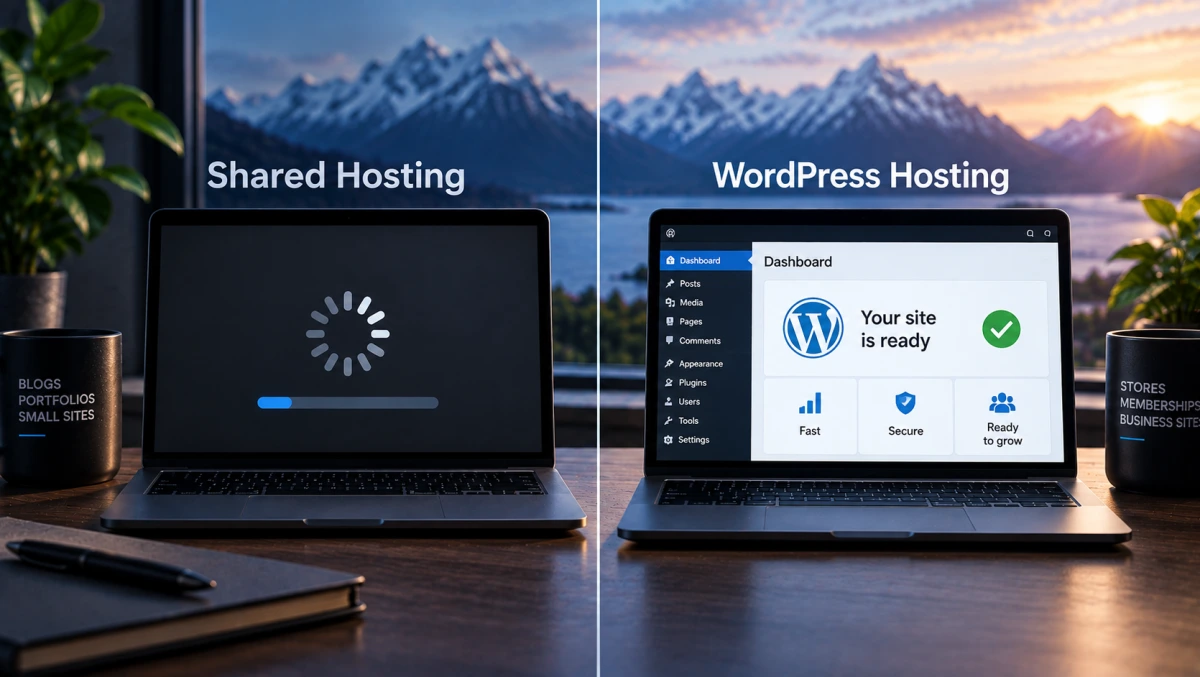
Most comparisons of WordPress hosting vs shared hosting are written to move you onto the more expensive plan. The pitch is always the same: WordPress hosting is faster, safer and optimised, and shared hosting is the budget option you will outgrow. Some of that is true. A lot of it is marketing, and the part that gets left out is the one that actually decides which plan you should buy.
Here is the difference in plain terms, where the extra money genuinely goes, and a quick way to tell which side of the line your site is on.
The short version: shared hosting is usually the better buy for several light websites. WordPress hosting is the better buy for one site that does real work, such as a shop, a membership site or anything with heavy plugins and steady traffic. The deciding question is not speed. It is how much each site needs to compute when a visitor arrives.
What the two actually are
The first thing to know is that "WordPress hosting" is not a standardised term. At some providers it means specialised managed infrastructure with staging environments, automatic updates, object caching, a CDN and WordPress-specific security tooling. At others it means a larger slice of the same kind of server with a new name on it. The label alone tells you very little, so it is worth looking at what a given plan actually allocates.
At Packetra, both run on shared infrastructure. WordPress hosting is not a VPS or a separate server: it is a shared hosting environment with substantially larger resource allocations and settings aimed at heavier PHP applications. In both cases you get a control panel and someone else handling the operating system, patching and hardware, and in neither case do you get root access.
Wherever you buy it, the difference that matters is the resource limits each account runs inside. On shared hosting, every account gets a modest cap on CPU, memory and disk throughput, because many accounts share the same machine and one busy site should not slow the rest. A WordPress plan worth paying for gives each account considerably more of all three, with fewer accounts per server.
Why WordPress in particular needs more
A static HTML page costs almost nothing to serve. The server reads a file and sends it. A WordPress page is different. Unless it is cached, every visit runs PHP, loads every active plugin, queries the database several times and builds the page from scratch before sending anything back.
For a small blog with a caching plugin, most visitors get a pre-built copy and the server barely notices. For a WooCommerce store, the advantage of full-page caching drops sharply because carts, checkout pages and logged-in sessions are normally excluded from it. Those requests still have to run WordPress, PHP and database work dynamically. Other kinds of caching still help, from browser caching to serving static files from a CDN, but the expensive part of each request remains. Put twenty of those through at once on a tight allocation and the site queues, slows, and eventually starts returning errors.
That is the problem WordPress hosting solves when it is done properly. Not a mysterious optimisation, just more CPU, memory and throughput for the requests that full-page caching cannot absorb.
WordPress hosting vs shared hosting, side by side
The table below reflects the typical split, with notes where providers differ.
| Shared hosting | WordPress hosting | |
|---|---|---|
| Compute per account | Modest | Substantially higher, on a plan worth buying |
| Sites per plan | Often several | Usually one to three |
| Best at | Many light or cached sites | One site doing real work |
| Root access | No | No |
| Server management | Handled for you | Handled for you |
| Runs non-WordPress sites | Yes | Depends on provider; yes at Packetra |
The row worth pausing on is sites per plan. Shared hosting often gives you more sites for less money, which is the fact most comparisons leave out.
Shared hosting is enough when
Your sites are mostly read, not used. Blogs, portfolios, brochure sites for a business, documentation, a personal site. Visitors read pages rather than logging in or buying things, so caching does most of the work.
You run several small sites. This is where shared hosting quietly wins. A plan that hosts ten light sites costs far less than ten separate accounts, and far less than one WordPress plan per site.
Traffic is modest and reasonably steady. Cached pages with low concurrency are extremely cheap to serve, so a well-built site can handle surprisingly substantial traffic on shared hosting. What strains a plan is many visitors arriving at once on pages that cannot be cached, not the daily total.
You keep plugins lean. A theme and a handful of well-built plugins behave very differently from forty plugins each adding scripts and database queries to every page.
WordPress hosting is worth it when
You sell things. WooCommerce is the clearest case. Cart and checkout pages are normally excluded from full-page caching, and a slow checkout is lost revenue rather than a minor annoyance.
People log in. Membership sites, courses, forums, client portals, anything with accounts. Logged-in visitors bypass the page cache in the same way shoppers do.
You are already hitting limits. Admin screens that crawl, intermittent errors under load, or a host telling you that you are exceeding your resource allowance. That is the signal, and it is far more reliable than a feeling that things should be faster.
The site earns money and downtime has a cost. More headroom means a traffic spike from a mention or a campaign is absorbed rather than turned into an outage.
The one-minute test
Ask what a typical visitor does on your site. If the answer is "reads a page and leaves", shared hosting will serve them well, and the money is better spent elsewhere. If the answer is "logs in", "adds to cart" or "searches and filters", your site is doing computation on every visit and WordPress hosting is where that computation gets room.
Then count your sites. Several light ones point firmly at shared. One heavy one points at WordPress. One heavy site and several light ones is often best split: the heavy site on WordPress hosting, the rest on a shared plan.
What neither of them fixes
- A bloated site. More resources hide the problem for a while. Removing a plugin that runs ten database queries on every page fixes it permanently, and costs nothing.
- No caching. A good page cache often does more for a brochure site than any hosting upgrade.
- Third-party scripts. Fonts, trackers and embeds loaded from other companies' servers slow your pages regardless of your plan, and leak visitor data along the way. We covered removing them in running WordPress without Google.
- Outgrowing managed hosting entirely. If you need custom server software, root access or a particular stack, the answer is a VPS rather than a bigger WordPress plan. Sizing one is covered in how to choose a VPS without overpaying.
How our own plans split
Our WordPress plans have substantially higher CPU, memory and I/O allocations than our shared plans, which is the difference described above made concrete. Here is how the two lines compare on the published numbers.
SHARED HOSTING PRICED PER LOCATION
| Plan | Space | Domains | Finland / 6 mo | Switzerland / 6 mo | |
|---|---|---|---|---|---|
| Base | 2 GB | 1 | 3 | €21.00 | €26.50 |
| Boost | 5 GB | 3 | 5 | €31.90 | €42.90 |
| Pro | 10 GB | 5 | Unlimited | €53.50 | €64.00 |
| Ultra | 20 GB | 10 | Unlimited | €85.90 | €107.50 |
Prices shown on six-month billing. Pro and Ultra are also available monthly, and Boost quarterly.
WORDPRESS HOSTING SAME PRICE IN BOTH LOCATIONS
| Plan | Space | Domains | Bandwidth | Per month |
|---|---|---|---|---|
| Start | 30 GB | 1 | 1 TB | €22.90 |
| Optimize | 40 GB | 2 | 2 TB | €31.90 |
| Accelerate | 50 GB | 3 | 3 TB | €47.90 |
Unlimited email on every plan, and daily backups rather than periodic ones.
Read those two tables together and the pattern from earlier shows up in real numbers. Shared Ultra in Finland hosts up to ten domains for roughly €14 a month. WordPress Start hosts one domain for €22.90, with far more compute behind it. Neither is the better plan. They are built for different sites.
Two details matter if you are choosing a location. Shared hosting costs more in Switzerland than in Finland, while WordPress hosting is the same price in both, so the higher up the range you go, the smaller the cost of choosing the Swiss jurisdiction. The trade-offs between the two countries are set out in Finland versus Switzerland, and the Swiss shared option specifically in shared hosting in Switzerland.
Both lines carry a 30 day money-back guarantee, so if you are genuinely unsure which side of the line your site sits on, start with the cheaper one and move up if it strains. Signup takes an email address, with payment in Bitcoin or Monero through our own BTCPay Server as well as conventional methods. If you are moving an existing site across, our migration guide covers doing it without downtime, and if you are starting from nothing, setting up a WordPress site walks through it. The code PACKETRA20 takes 20 per cent off the first payment on monthly and quarterly billing.
Shared hosting plans WordPress hosting plans
Frequently asked questions
Can I run WordPress on shared hosting?
Yes, and most small WordPress sites do. With a caching plugin and a sensible number of plugins, a blog or business site runs comfortably on shared hosting. WordPress hosting earns its price when a large share of requests cannot use full-page caching, such as shops and membership sites.
Is WordPress hosting just marketing?
Partly, at some providers, which is why the label is worth looking past. The meaningful differences are resource allocation per account and any genuinely managed features included. If a provider's WordPress plan offers neither substantially more CPU, memory and throughput than its shared plan nor real WordPress-specific tooling, you are paying for a name.
Can I host non-WordPress sites on WordPress hosting?
It depends on the provider. Some WordPress-only hosts restrict you to WordPress. Ours do not: the plans are tuned for heavy PHP applications, so Joomla, Drupal and other CMSs run just as well.
Will WordPress hosting make my site faster?
If your site is hitting its resource limits, noticeably. If it is not, much less than you might hope. A cached brochure site on shared hosting and the same site on WordPress hosting often load at very similar speeds, because the server was never the bottleneck.
How do I know if I have outgrown shared hosting?
Watch for slow admin screens, errors during busy periods, or your host flagging resource usage. Any of those, especially on a site that sells or has logged-in users, is the point to move up. Slowness on its own is often a caching or plugin problem worth checking first.
Can I switch from shared to WordPress hosting later?
Yes. Starting on shared and moving up when the site genuinely needs it is usually the sensible order, since it means paying for extra resources only once you have evidence you need them.